Why Choose 4 Pin Header Socket for Your Electronic Projects?
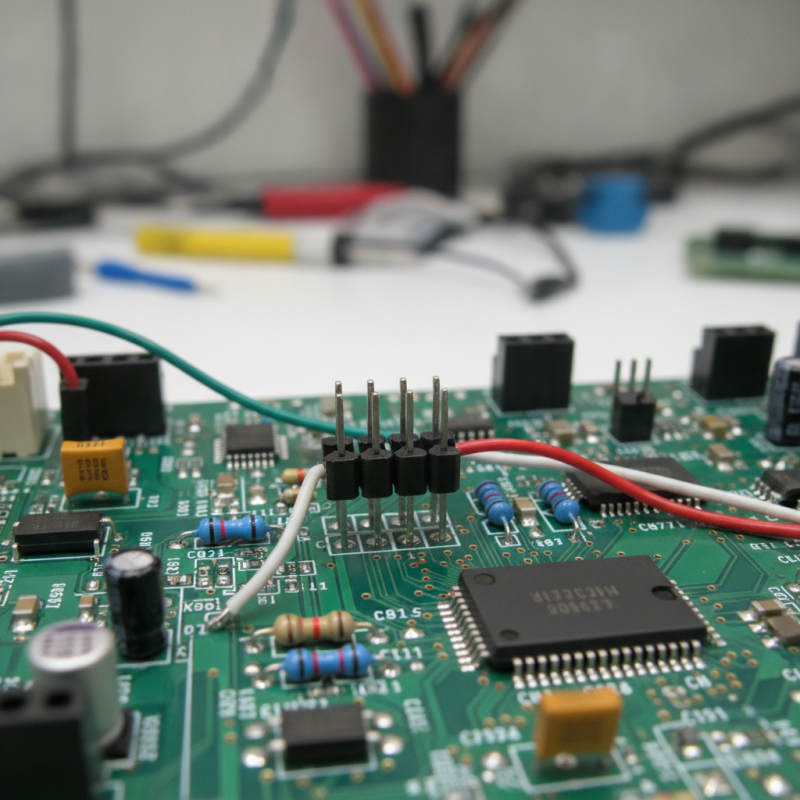
When working on electronic projects, choosing the right components is crucial. One often overlooked yet essential part is the 4 Pin Header Socket. This component serves as a versatile connector, enabling communication between different sections of a circuit. It streamlines the assembly and allows for easy connection and disconnection.
4 Pin Header Sockets offer several advantages. They provide stability and reliability in various applications. Their simplicity makes them ideal for both beginners and experienced makers. Yet, not every project will benefit from using them. Sometimes, alternative connectors might serve specific needs better.
Understanding the strengths and weaknesses of the 4 Pin Header Socket can enhance your project outcomes. While it is a solid choice for many, it requires careful consideration. Exploring options will help you make informed decisions that improve functionality and design.
Advantages of Using 4 Pin Header Sockets in Electronics
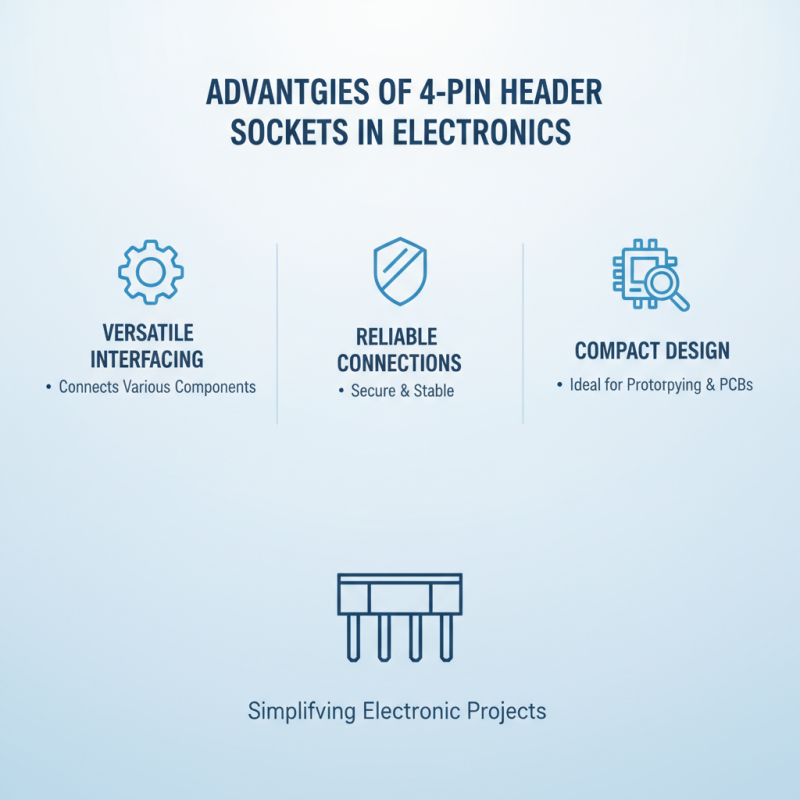
When working on electronic projects, 4 pin header sockets stand out for their versatility and reliability. These connectors provide a simple way to interface and connect various components. Their compact design allows them to fit easily on circuit boards. This makes them ideal for prototyping and final applications alike.
One major advantage is their ease of use. 4 pin header sockets typically accommodate standard pin spacing. This means designers can connect wires or female connectors effortlessly. The mechanical connection is strong and can withstand repeated use without losing integrity. However, care should be taken to ensure proper alignment during insertion to avoid damaging pins.
Tips: Consider using color-coded wires with your 4 pin headers. This helps reduce errors during assembly. Always check the compatibility of your components before connecting them. Mismatched pins can lead to circuit failures.
Another positive aspect is their cost-effectiveness. 4 pin header sockets are generally affordable, which makes them accessible for hobbyists and professionals. Though these sockets are reliable, maintaining quality control during assembly is essential. Small errors might lead to big issues, affecting the entire circuit performance. Ensuring a clean and organized workspace can help prevent such mistakes.
Common Applications of 4 Pin Header Sockets in Projects
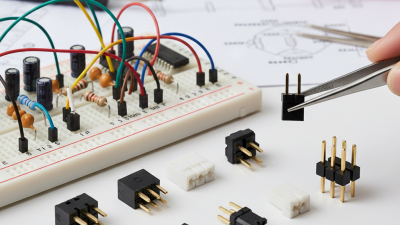
4 Pin header sockets are versatile components often used in electronic projects. They provide a reliable connection for various applications. One common use is in microcontroller boards, where a 4 Pin header socket allows for easy attachment of peripherals. These sockets facilitate quick prototypes and testing phases.
Another significant application is in robotics. A 4 Pin header socket can connect sensors, servos, and power supplies seamlessly. This simplifies the wiring process and ensures secure connections.
Even in more complex systems, these headers help manage multiple connections without cluttering the workspace.
However, it is essential to consider the potential drawbacks. Not all projects require a 4 Pin header socket, and using one can be overkill in certain situations. It's crucial to assess your project's scope before deciding on connections. Employing these sockets effectively can lead to cleaner designs, but improper placement can cause confusion. Balancing their utility with practical application is key for successful electronic creation.
How to Select the Right 4 Pin Header Socket for Your Needs
When selecting the right 4 pin header socket for your electronic projects, consider several key factors. The current capacity of the socket is crucial. Many 4 pin header sockets support up to 3A, which is typically suitable for most small electronics. However, if your project demands higher current, explore sockets rated for 5A or more. According to a recent industry report, improper current ratings can lead to overheating and failure, which is an often overlooked concern.
The mating style is also significant. There are through-hole and surface-mount options available. If your PCB design allows, surface-mount is preferred for a more compact layout. Conversely, through-hole provides a more robust connection. Make sure to analyze your project requirements before making a decision.
Tip: Always check the pin pitch. A standard 0.1-inch pitch is common, but variations exist. It is essential to ensure compatibility with your components.
Lastly, take into account the material used for the pins. Brass pins with gold plating offer better conductivity and durability. In contrast, cheaper aluminum pins can lead to unreliable connections over time. As a result, investing in quality materials can prevent potential project failures down the line.
Why Choose 4 Pin Header Socket for Your Electronic Projects?
This bar chart illustrates the key factors in selecting 4 pin header sockets for electronic projects, highlighting their importance in terms of ease of use, stability, cost efficiency, and versatility.
Tips for Properly Implementing 4 Pin Header Sockets in Designs
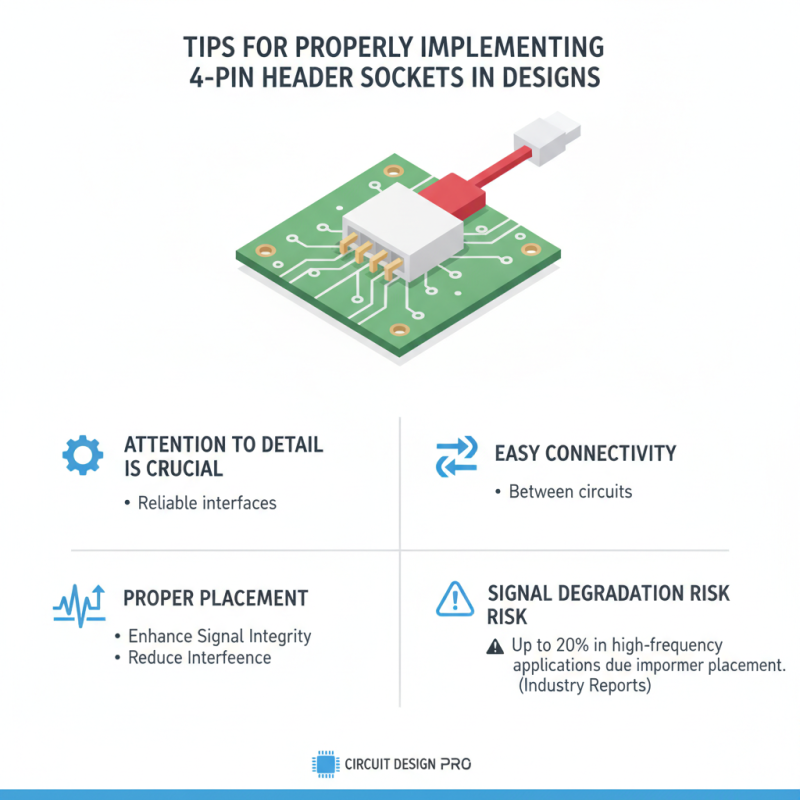
When implementing 4 pin header sockets in electronic designs, attention to detail is crucial. These components often serve as reliable interfaces between circuits, allowing for easy connectivity. Proper placement can enhance signal integrity and reduce potential interference. According to industry reports, improper socket placement can lead to up to 20% signal degradation in high-frequency applications.
One common mistake is excessive soldering. Overheating can damage the socket pins, leading to poor connections. It's vital to use a soldering temperature of around 350°C for only a few seconds. Ensuring the pins are clean and free from oxidation can also improve reliability. Keep in mind, that maintaining correct alignment during assembly is key. Misalignment not only increases wear over time but can also lead to intermittent failures.
Furthermore, utilizing strain relief features is often overlooked. Designers should ensure that any wires connected to the sockets can handle stress without compromising the connection. A study by a leading electronics research firm noted that 15% of mechanical failures stem from inadequate strain relief. Planning for these practical aspects will enhance the overall functionality and longevity of your project.
Troubleshooting Common Issues with 4 Pin Header Sockets
When working with 4 pin header sockets, troubleshooting is essential for optimal performance. Common issues can arise, affecting connectivity and functionality. A study by the Electronics Association indicates that improper socket alignment leads to 30% of connection failures in electronic projects. Ensuring proper seating of the header pin in the socket can mitigate this issue.
One frequent problem involves poor soldering quality. Insufficient solder can result in weak connections, leading to intermittent failures. Keep in mind that the IPC-A-610 standard recommends visually inspecting solder joints to ensure reliability. If a connection appears dull or has voids, reworking the joints is crucial.
Tips: Always use compatible tools. A good soldering iron with proper temperature control can prevent overheating.
Another issue may involve pin corrosion. Environmental factors such as humidity affect metal interfaces, weakening the connection. Regularly clean the sockets and pins using isopropyl alcohol to remove residues.
Tips: Implement a periodic maintenance schedule for your projects. Clean and inspect components routinely to prevent long-term issues. Making these small adjustments can significantly enhance your project's overall performance.
Why Choose 4 Pin Header Socket for Your Electronic Projects? - Troubleshooting Common Issues with 4 Pin Header Sockets
| Feature |
Description |
Common Issues |
Solutions |
| Connection Type |
4 Pin header sockets provide a solid connection for various electronic components. |
Loose connections leading to intermittent issues. |
Ensure pins are firmly inserted; consider using a different socket if the issue persists. |
| Compatibility |
Compatible with a wide range of electronic boards and modules. |
Incompatible pin configurations can result in malfunction. |
Check pin definitions for all connected devices to ensure compatibility. |
| Durability |
Designed for hundreds of insertions and removals without degradation. |
Wear and tear can lead to connection failures over time. |
Replace worn sockets to maintain reliable connections. |
| Wire Management |
Allows for easier wiring in compact projects. |
Messy wires can lead to confusion and connection errors. |
Use zip ties or cable organizers to maintain a neat layout. |
| Cost-Effective |
Relatively low cost compared to other connection options. |
Overlooking quality can lead to cheaper alternatives failing. |
Invest in quality sockets to avoid issues later on. |

 Email
Email WeChat